Choosing controls
Daily limits, usage hours, and watch breaks: which should you use?
Use daily limits for how much time is available, Usage hours for when an app can open, and watch breaks to pause a long session. Combine them when your routine needs more than one boundary.
1. Set how much time
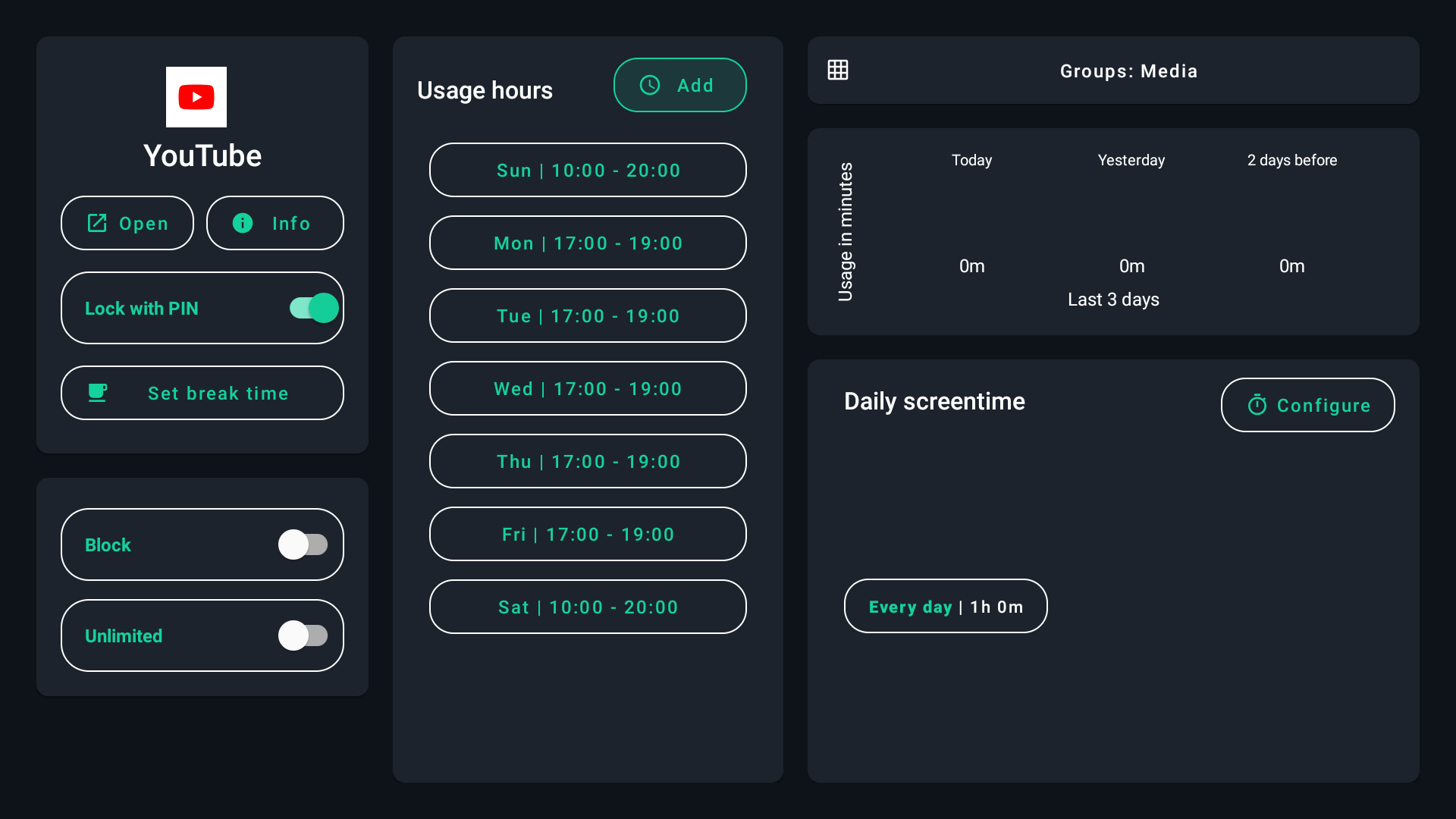
Select an app and configure Daily screentime. A sixty-minute allowance is the total daily budget, not sixty minutes each time the app opens. Choose a Device rule for an overall allowance across counted apps.
Shared allowances use combined usage for the same synced profile. Per-app rules follow Android identifiers; TV and mobile variants can differ. Apps marked Unlimited are excluded from the overall Device budget.
2. Set when apps can open
In Usage hours, add allowed periods for the relevant days. For example, allow entertainment after homework and before bedtime. Unused daily time does not override the allowed hours. Check both rules if an app is unavailable.
Use different periods for weekdays and weekends when needed. Keep the schedule clear and check the device’s day and time if enforcement seems wrong.
3. Add a pause during long sessions
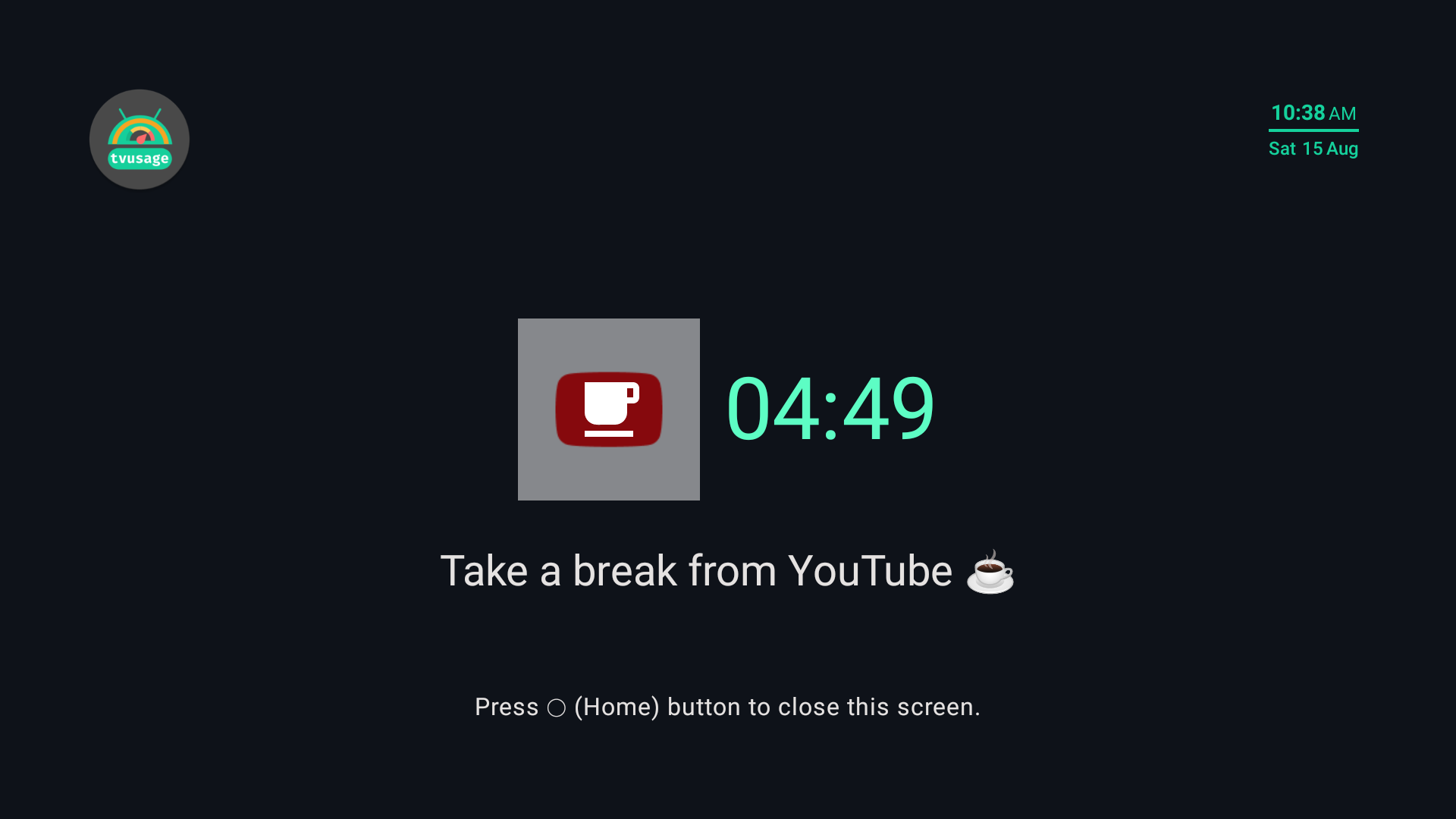
Use Set break time in the app’s controls to configure watch breaks. Breaks pause continuous viewing; daily budgets and allowed hours still apply.
Start with the control matching your goal: a schedule for bedtime, a daily allowance for a total boundary, or a break for long sessions. Test your chosen combination and explain what happens when each rule takes effect.