Start here · Family setup
Set up your family’s devices
Create separate child profiles, connect their devices, and check shared daily allowances without mixing up each child’s usage.
Read the family setup guide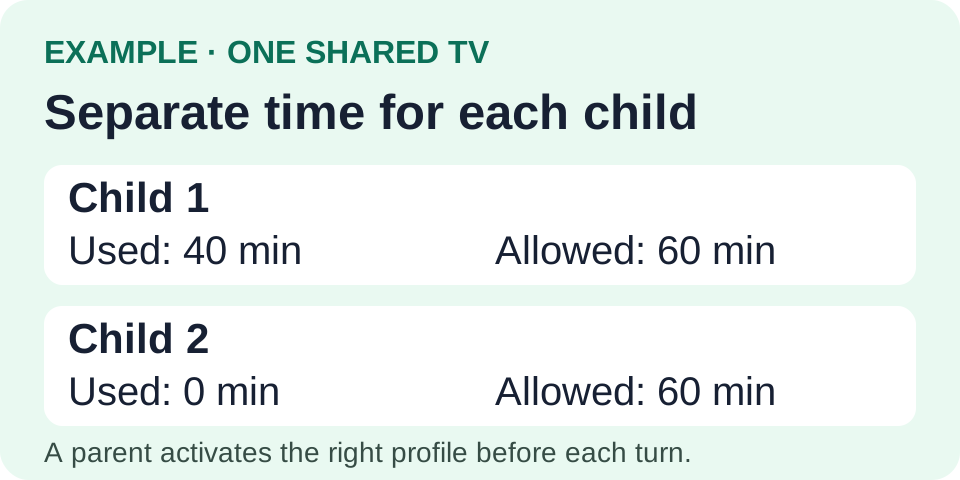
tvusage guides
Short guides to setting limits, sharing devices, and managing each child’s screen time.
Start here · Family setup
Create separate child profiles, connect their devices, and check shared daily allowances without mixing up each child’s usage.
Read the family setup guideFamily routines
Send homework, chore, reading, or dinner messages with a screen-time pause, then check completion and decide when to unlock.
Read guide: Explain a pause with a parent messageGetting started
Set a daily app allowance and allowed viewing hours, then test the rule on your Android TV or Google TV.
Read guide: Set your first TV screen-time limitShared limits
Group TV and mobile YouTube apps under one child profile, and preserve both app variants when editing the group.
Read guide: Share one YouTube allowanceChild profiles
Create one profile per child and switch between turns so a shared TV keeps each child’s allowance and usage separate.
Read guide: Give siblings separate TV limitsRemote management
Connect child devices, review combined usage, and update synced profile controls from a parent phone or the web remote.
Read guide: Connect and use tvusage RemoteChoosing controls
Choose a daily budget, allowed viewing hours, or a break during long sessions, and check how the controls work together.
Read guide: Choose limits, schedules, or breaks