Family setup
How to set up tvusage for multiple kids across multiple devices
Create one profile per child and activate that same synced profile on the devices they use. A parent switches profiles when siblings take turns on a shared TV.
Connect devices and profiles
- Install and connect tvusage.
Complete consent, permissions, and parent PIN setup on each child device. Install tvusage Remote on the parent’s phone or use the web remote. On each child device, open Settings → tvusage remote → Sign in with that account.
- Create each child’s profile.
In tvusage, open Profiles → New, enter the child’s name, and choose Create. Profiles originate in tvusage; Remote can edit synced profiles with Pro.
- Activate the existing profile on other devices.
Select the child’s profile under Profiles and choose Activate. Configure the daily limits. Avoid creating another profile with the same name: select the existing synced profile.
Choose the active child
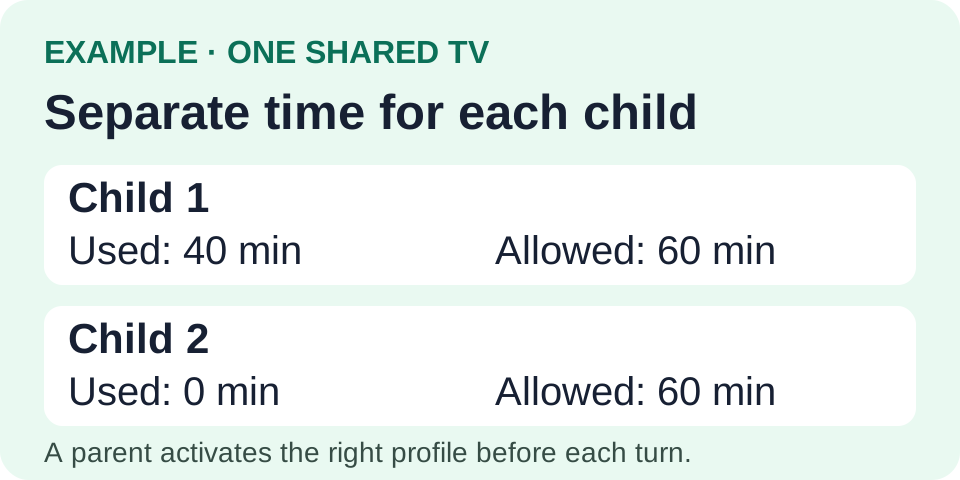
On a shared TV, a parent activates the next child’s profile before their turn. tvusage does not identify viewers automatically. When children watch together, usage belongs to the active profile and is not split between them. Switching preserves each profile’s recorded time.
Check the allowance and report
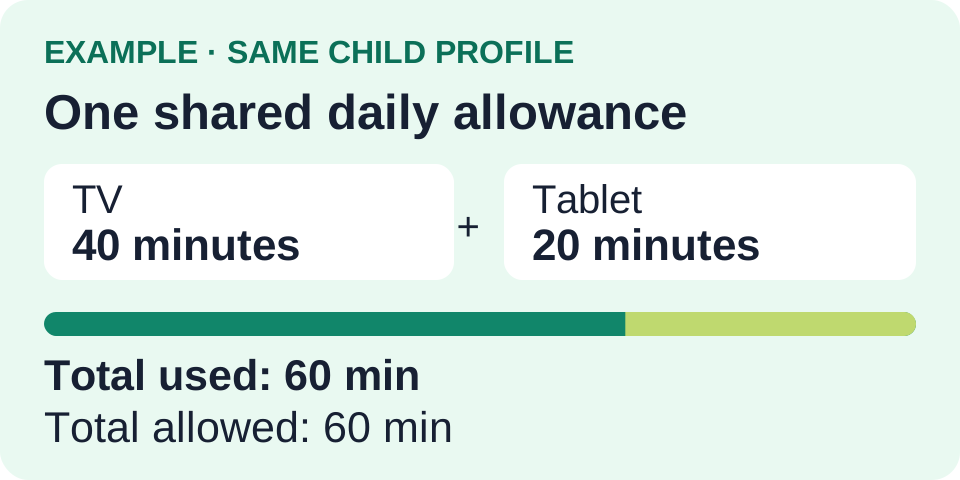
For an overall allowance, configure the profile’s Device screen-time rule. Forty minutes on TV plus twenty on a tablet uses sixty minutes. Apps marked Unlimited are excluded. Per-app limits follow Android identifiers, so TV and mobile YouTube can have separate rules.
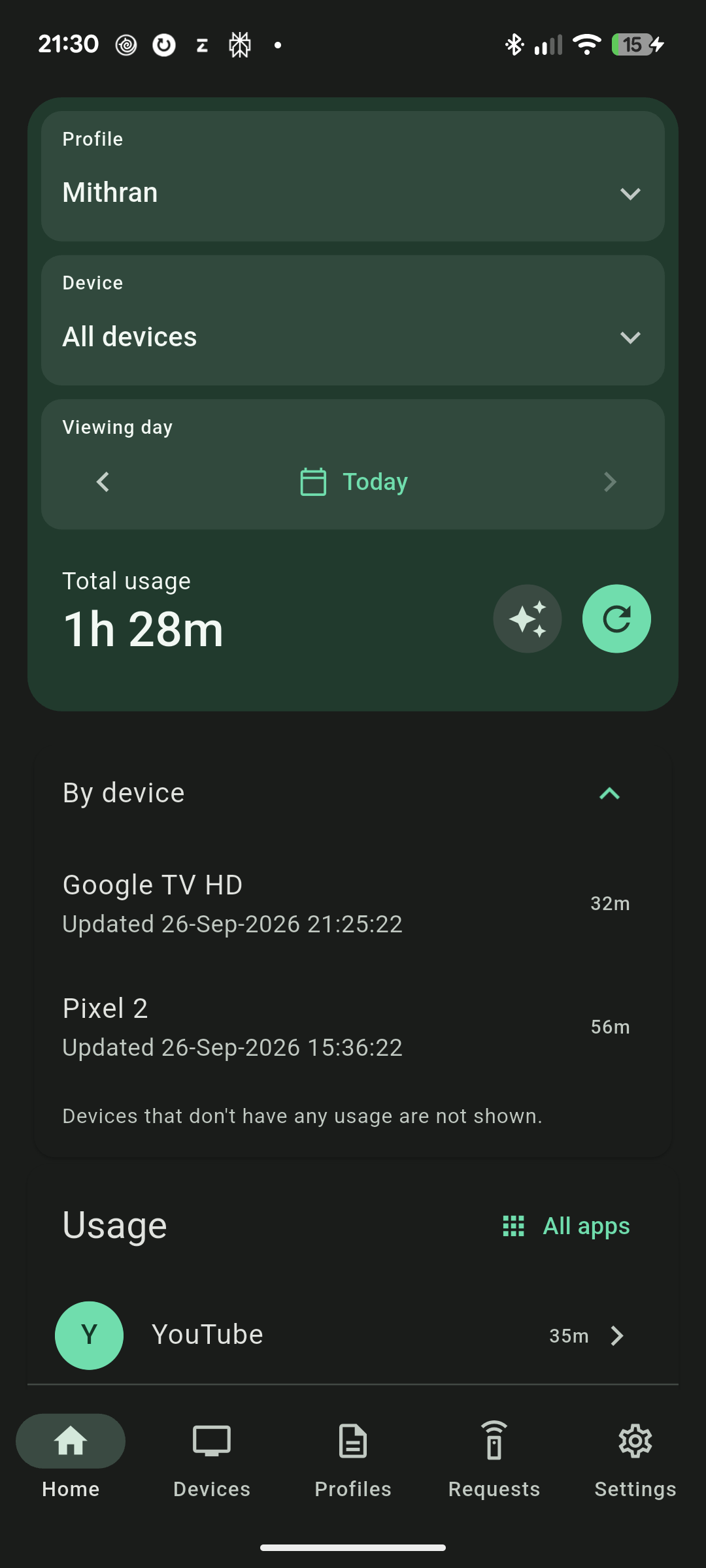
In Remote, select the child and All devices. Device rows are already included in the total. Check siblings separately. Synchronization depends on connectivity and can lag; reconnect, refresh, and confirm the active profile if totals look stale.